Reading
How light leaks and grain are meant to be used
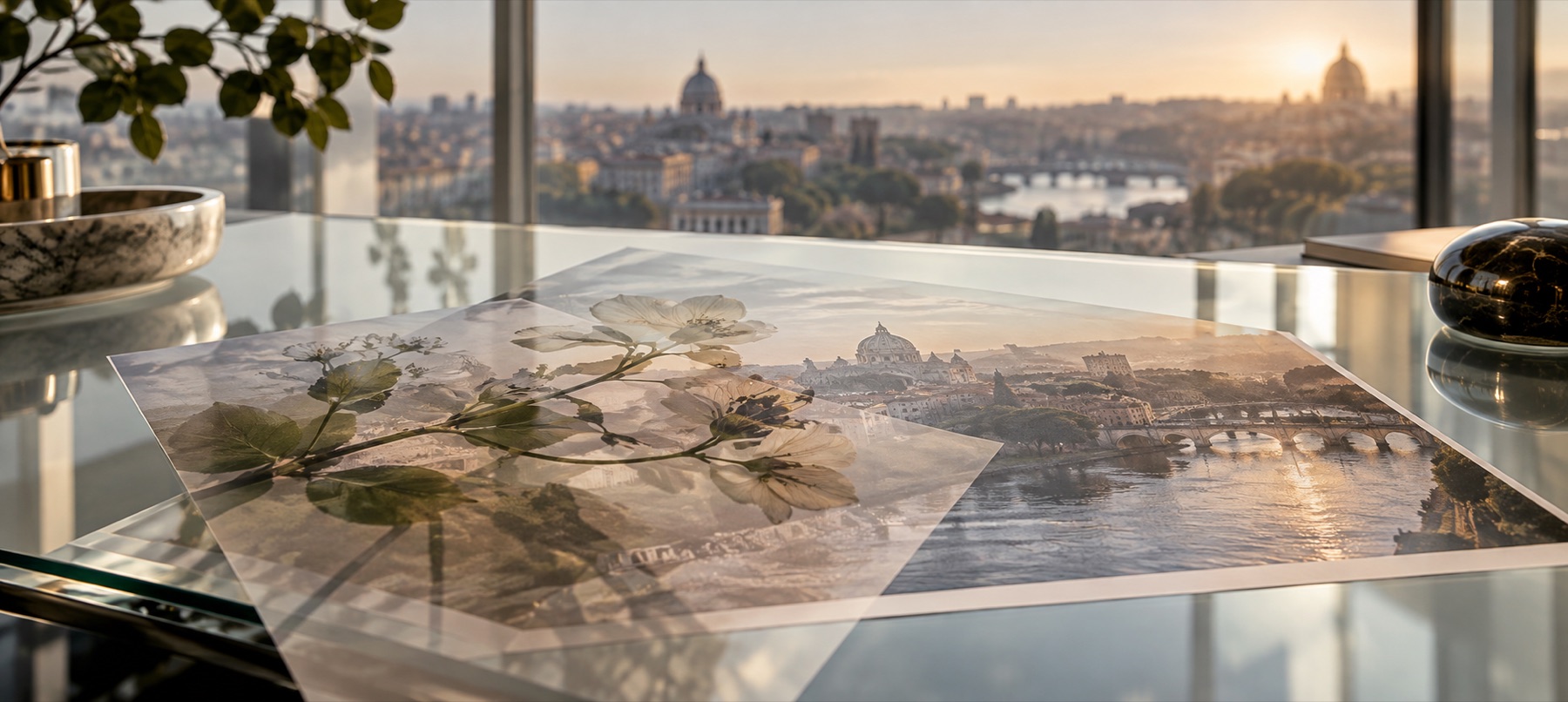
Texture overlays are the fastest way to make a digital photo look like film, and the fastest way to make it look like a filter. The difference is mostly strength, mode and how many you stack.
Open the placing toolBoth files stay on your device — we only draw one on top of the other.
A leak is light, so it should only add light
Real light leaks are stray light reaching the film: they brighten, they warm, and they never darken anything. That is why every leak on this site opens on Screen, the mode where black counts as nothing — the dark part of the tile disappears and only the glow lands.
At full strength a leak covers the subject in orange and reads as a mistake. Between 40 and 80 per cent it reads as the camera. Turn it towards the edge the light would have come from, and keep it off faces.
Grain belongs at a third, on Overlay
Grain opens on Overlay at about 35 per cent because mid-grey is Overlay's nothing: the specks lighten and darken equally, so the photo's brightness hardly moves. On Normal the same grain would fog the picture grey.
Grain is also small. Fitted to a screen it vanishes, which is why the grain page tells you to look at 100 per cent, and why JPG at a low quality, which smooths fine detail, is the wrong way to save it.
Stacking a film look
A believable look is usually three or four layers, each pulled well back: a warm leak on one edge, medium grain over everything, and for an older look a little dust on Multiply and an edge fade. Each is its own layer here, so each keeps its own strength and can be hidden to check what it is adding.
In short
- Leaks
- Screen, 40–80%.
- Grain
- Overlay, 25–40%, judged at 100%.
- Dust and edge fade
- Multiply.
- Scratches and burns
- Screen.
- Generated textures repeat by design; they are not scans of real film.
- A texture cannot add detail the photo does not have.
Questions
- Why does my leak look fake?
- Usually it is too strong or over the subject. Pull it to 50–60%, turn it so the light comes from an edge, and mask it away from faces.
- Why can I not see the grain?
- Because the stage shows the photo shrunk. Press Fit to switch to 100%.
- Which order should layers go in?
- Tone first (sepia or paper), then leaks, then grain on top, so the grain sits over the light the way it would on film.
Where to use it
- Light leak overlayNine drawn leaks for film and 80s looks, each opening on Screen with its tint control first.
- Add film grainFine, medium, pushed and silver grain on Overlay, with a size control, at the same pattern at any size.
- Vintage overlayDust, scratches, film burn, paper, edge fade and sepia, each on the mode that adds only its own age.
- Add a texture overlayOpens the drawn-texture shelf first: light leaks and film grain, with hue, strength and blend beside the stage.