Why this stage opens differently
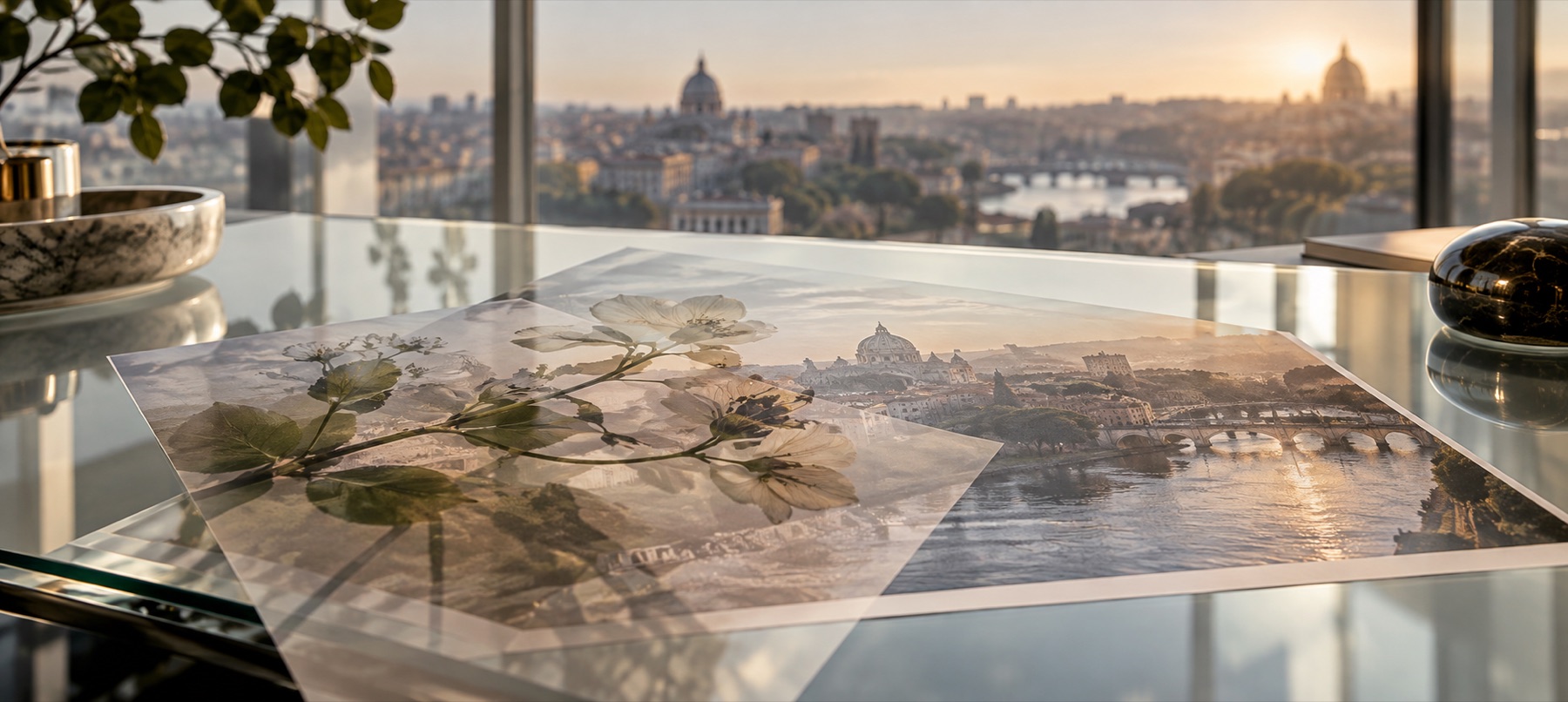
A light leak is stray light that reached the film, so it should only ever add light. Every leak here opens on Screen, where black counts as nothing — the dark of the tile disappears and only the glow reaches your photo.
This stage leads with the leak family because that is the whole job; grain, dust and the rest are one tap away under “Every family”.
Step by step
- Open the photo. It stays in this tab.
- Pick a leak. Each lands across the whole frame on Screen.
- Tint it. The Hue control on the Blend tab turns a warm leak cool, or anything between.
- Pull it back. A leak at full strength looks like a mistake; 40–80% looks like film.
- Save. The leak is drawn again at the saved size.
What it does, and what it does not
- Leaks
- Nine, drawn from gradients.
- Opens
- Screen, at the leak's own strength.
- Controls
- Hue, strength, any of sixteen modes, mask and fade.
- Combine
- Up to twelve layers — a leak and grain together is the usual film look.
- Saving
- PNG, JPG or WebP.
- Screen over a very bright photo has little room to add light; try a smaller leak or a corner burn.
- These are drawn gradients, not scans of real film.
- Flip or turn a leak with the handles to move its light to another edge.
Questions about light leaks
- Which mode does a leak open on, and why?
- Screen. It treats black as nothing and only lightens, so the dark part of the leak vanishes and the light spills over the photo — which is how stray light behaves on film.
- Is the texture a downloaded image?
- No. Each leak is a set of gradients drawn by code in this tab. There is no stock file and nothing to licence.
- Will it look the same at full size?
- Yes. The leak is drawn again at the size of the saved file rather than enlarged from the preview.
- How do I get an 80s film look?
- A warm edge wash or corner burn at 60–80%, with medium grain on top at 35% — two layers, both drawn here.
Related stages
- Add film grainFine, medium, pushed and silver grain on Overlay, with a size control, at the same pattern at any size.
- Vintage overlayDust, scratches, film burn, paper, edge fade and sepia, each on the mode that adds only its own age.
- Add a texture overlayOpens the drawn-texture shelf first: light leaks and film grain, with hue, strength and blend beside the stage.
- Using leaks and grainWhy a leak at full strength looks like a mistake, and how texture layers stack into a film look.