Why this stage opens differently
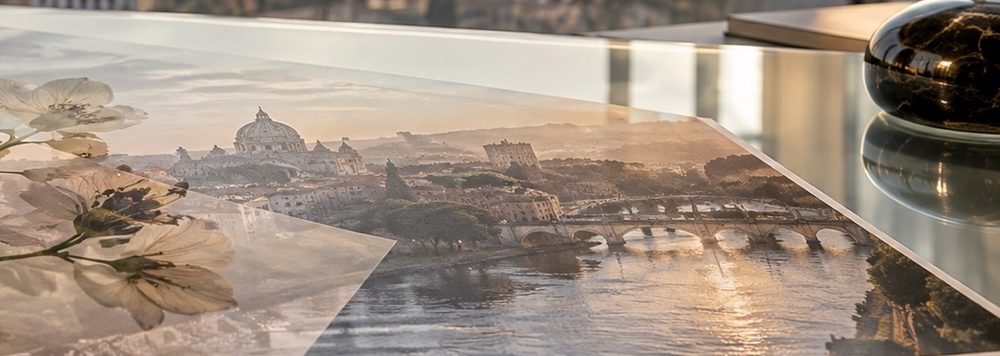
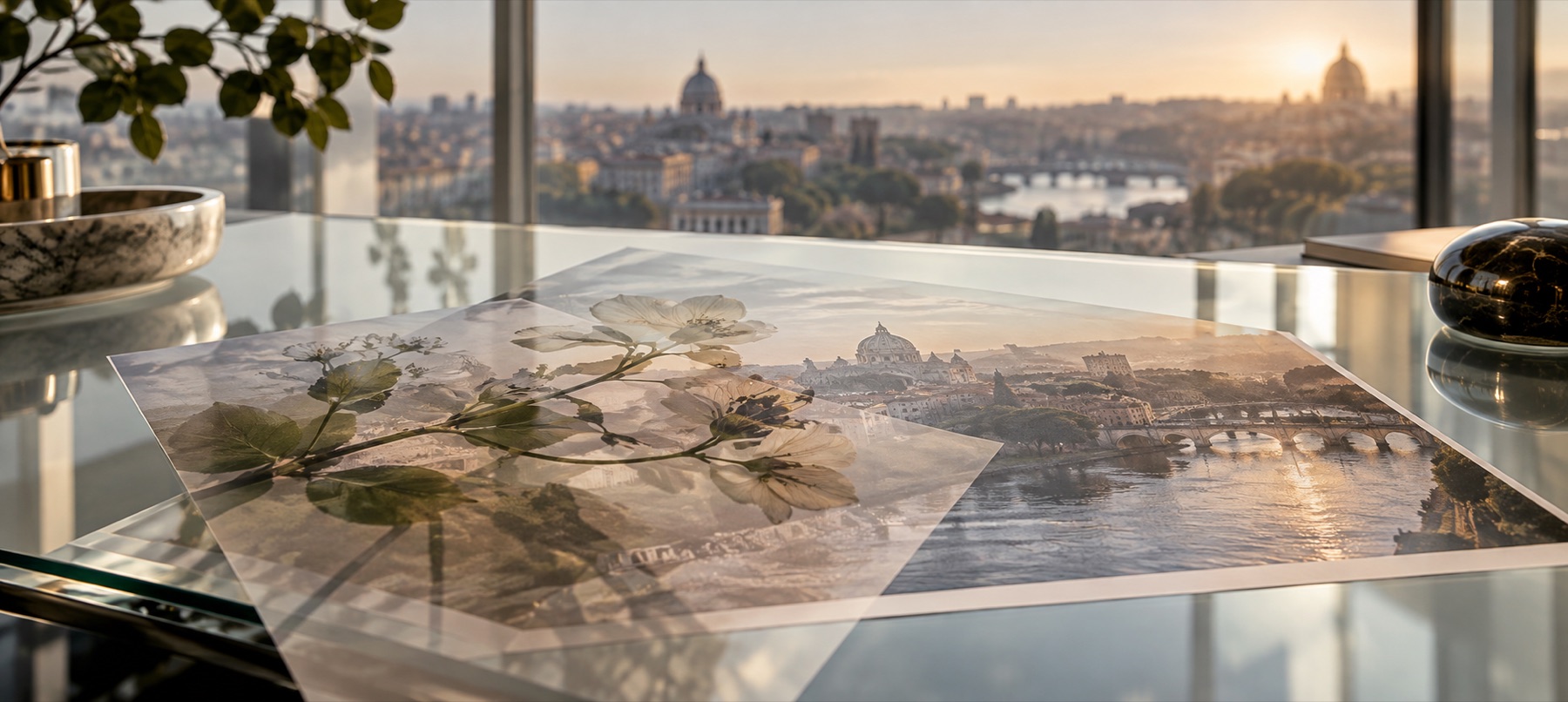
Age comes in two kinds: dark marks (dust, the darkening at the edges, the tone of paper) and light ones (scratches, burns, fading). Each vintage overlay here opens on the mode that only adds its own kind — Multiply for the dark ones, Screen for the light ones — so the rest of the photo is left alone.
Real old prints have several of these at once, so stack them: each lands as its own layer with its own strength.
Step by step
- Open the photo. It stays in this tab.
- Start with a tone. Sepia or Paper sets the colour of age.
- Add the marks. Dust, scratches or a film burn — each its own layer.
- Set the age. Each overlay's Age slider on the Blend tab drives how much of it there is.
- Save. Drawn again at the saved size.
What it does, and what it does not
- Overlays
- Dust, Scratches, Film burn, Paper, Edge fade, Faded wash, Sepia.
- Controls
- Age, pattern seed, hue or colour where it applies, strength, mode.
- Opens
- Dark marks on Multiply; light marks on Screen; sepia on Colour.
- Pattern
- Seeded and redrawn at the saved size.
- Saving
- PNG, JPG or WebP.
- These are drawn marks, not scans of real damaged film.
- There is no halftone or print-dot screen here; that is a print process, not an overlay.
- A heavy edge fade can swallow a subject near the corner; mask it.
Questions about vintage overlays
- Which mode does each open on, and why?
- Dust, paper and edge fade on Multiply, which can only darken, so they add grime without lifting anything. Scratches, burns and the faded wash on Screen, which can only lighten. Sepia on Colour, which changes hue and keeps the photo's light.
- Is the texture a downloaded image?
- No. Every mark is generated by code in this tab from a seed — no stock file and nothing to licence.
- Will it look the same at full size?
- Yes. Each overlay is drawn again at the saved size from the same seed.
- How do I make it look properly old?
- Sepia at 50–60%, paper at 70%, then dust and a few scratches, and an edge fade last. Four or five layers, each pulled back.
Related stages
- Add film grainFine, medium, pushed and silver grain on Overlay, with a size control, at the same pattern at any size.
- Light leak overlayNine drawn leaks for film and 80s looks, each opening on Screen with its tint control first.
- Frame a photoInstant film, film strip, rounded window, simple and double borders, drawn at the photo's own size.
- Add a texture overlayOpens the drawn-texture shelf first: light leaks and film grain, with hue, strength and blend beside the stage.