Why this stage opens differently
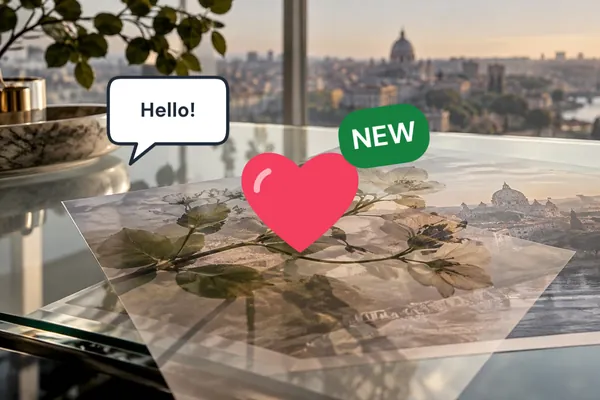
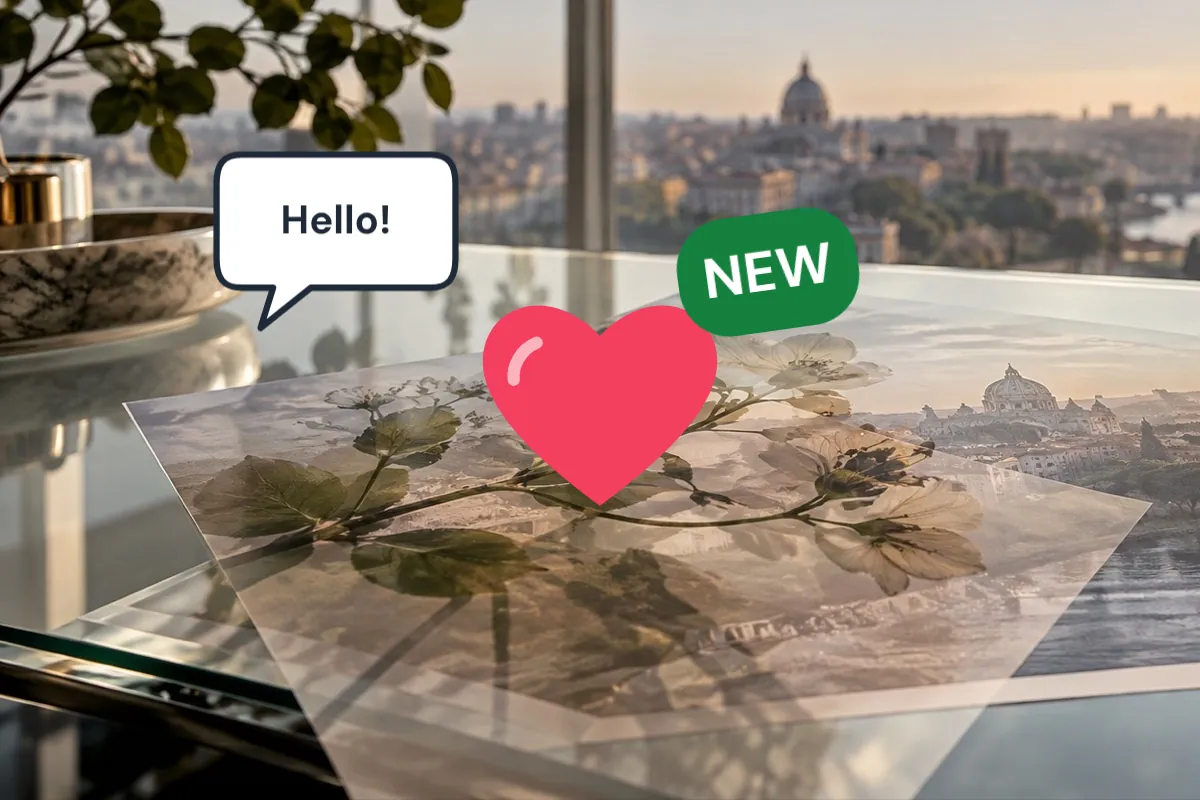
A sticker has to stand out from whatever is behind it, so every one lands with a white outline at 3% of its own short side — the edge of a paper sticker — which you can change or remove on the Finish tab.
They are small vector drawings written for this site rather than emoji pictures or stock art, so they look the same on every device, need no licence, and are drawn again at full size when you save.
Step by step
- Open the photo. The sticker shelf is beside it.
- Pick a sticker. Arrows and marks, hearts, stars and flowers, speech bubbles or badges.
- Place it. Drag, resize and turn it on the photo; it stays sharp at any size.
- Change the words. On a bubble or badge, select the words and type your own on the Text tab.
- Save. Every sticker is drawn again at the saved size.
What it does, and what it does not
- Marks
- Arrow, curved arrow, circle, underline, cross, tick.
- Shapes
- Heart, star, sparkles, flower.
- Words
- Speech bubble, thought bubble; Sale, New and Offer badges.
- Outline
- White, 3% of the sticker's short side, on the Finish tab.
- Saving
- PNG, JPG or WebP.
- A bubble and its words are two layers: move both together by moving one and then the other, or line them up with Align.
- Twelve layers is the most one photo holds; a bubble counts as two.
- No emoji or stock clip-art — if you need a particular picture, drop it in as a PNG.
Questions about stickers
Why do the stickers have a white edge?
So they separate from a busy photo, the way a cut-out paper sticker does. The outline is 3% of the sticker's short side; change its width or colour, or turn it off, on the Finish tab.
Can I write my own words on a badge or bubble?
Yes. The words are their own text layer: select them and type on the Text tab. Badges are words on a coloured pill, so they grow to fit what you type.
Are these emoji?
No. Emoji pictures differ from phone to phone and come with their own licences, so every sticker here is a small drawing written for this site.
Will a sticker go blurry if I make it big?
No. Stickers are vectors, drawn again at the size they end up in your photo when you save.
Can I use my own sticker?
Yes. Drop a PNG with a see-through background or an SVG onto the photo, or paste it.
Related stages
- Put text on a photoA text layer is on the photo when it opens: words, face, size and a backing that keeps them readable.
- Place a PNG on a photoA transparent element starts centred at a restrained share of the frame, ready to size and position.
- Camera overlayA camcorder viewfinder with REC, timecode and date, a disposable date stamp, VHS lines or focus points — every word editable.
- Place something on a photoThe stage and a deck of layers: logos, stickers, textures or a second photo, each moved until it looks right.