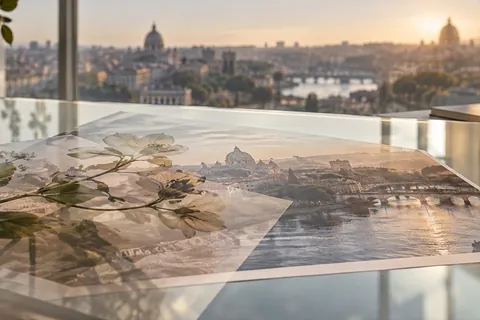
Why this stage opens differently
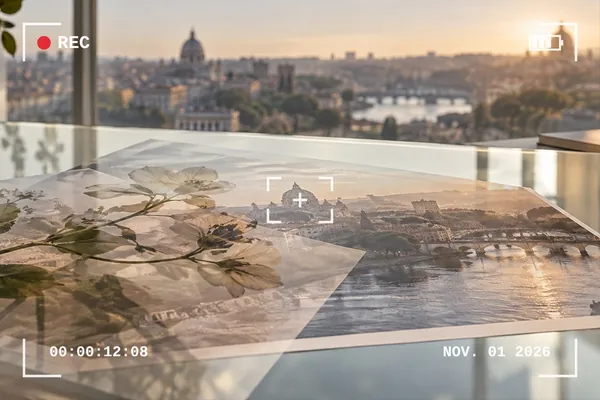
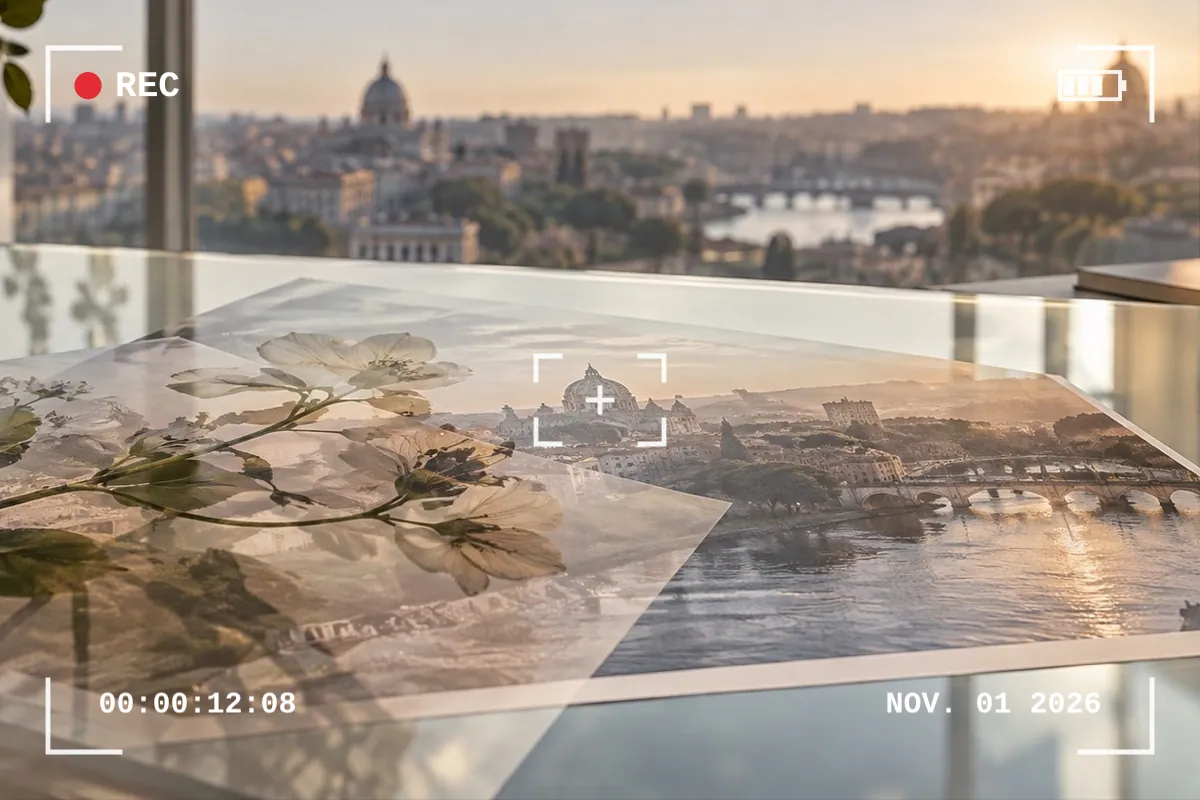
A camera overlay is mostly words — REC, a timecode, a date — so this stage puts them on as separate text layers instead of baking them into a picture. Change the date, write your own caption in the timecode's place, or delete what you do not want.
The furniture itself — corners, brackets, the battery glyph, scan lines — is drawn as vectors at your photo's own size, so it is crisp in the saved file rather than an enlarged screenshot.
Step by step
- Open the photo. A camcorder viewfinder with REC, a timecode and today's date is on it when it opens.
- Pick a look. Camcorder REC, Disposable date stamp, VHS tape or Focus points — or single pieces from the Camera shelf.
- Change the words. Select REC, the timecode or the date and type anything on the Text tab.
- Recolour the lines. The Blend tab has the line colour, the REC dot and the frame number.
- Save. Lines and words are drawn again at the saved size.
What it does, and what it does not
- Looks
- Camcorder REC, Disposable date stamp, VHS tape, Focus points.
- Shelf pieces
- Camcorder, Viewfinder, Focus points, VHS lines, Frame counter.
- Words
- Text layers, filled with today's date and time when they land.
- Lines
- Colour of the lines, the REC dot and the lit focus point.
- Saving
- PNG, JPG or WebP.
- The date stamp uses your device's monospace font, so it looks slightly different from one device to another.
- These are looks, not camera data: nothing is written into the file's date or EXIF.
- VHS lines darken the photo a little by design; lower Wear or the strength if it is too much.
Questions about camera overlays
Can I change the date on the date stamp?
Yes. The date is an ordinary text layer filled with today's date when it lands. Select it and type any date on the Text tab — or any words at all.
Which font is the date stamp in?
Your device's own monospace face, in orange with a soft glow. It is not a licensed seven-segment camera font; the frame counter's digits are drawn as segments.
Is the overlay a downloaded image?
No. Corners, brackets, the battery glyph, the scan lines and the tracking band are drawn from code in this tab, at the size of your photo.
Can I use only the corners, without REC?
Yes. The Camera shelf has Viewfinder (corners, focus box and battery, no REC dot), Focus points, VHS lines and the frame counter as separate layers. Delete any text layer you do not want.
Will the lines look thin on a big photo?
No. Line widths are shares of the photo's short side, so they keep their weight from a phone snap to a 6000-pixel original.
Related stages
- Put text on a photoA text layer is on the photo when it opens: words, face, size and a backing that keeps them readable.
- Vintage overlayDust, scratches, film burn, paper, edge fade and sepia, each on the mode that adds only its own age.
- Light leak overlayNine drawn leaks for film and 80s looks, each opening on Screen with its tint control first.
- Add film grainFine, medium, pushed and silver grain on Overlay, with a size control, at the same pattern at any size.